How to Fix Pacing in Your Manga Storyboard
Pacing problems in manga storyboards are almost always fixable before you draw a single final page. Here is how to diagnose and fix them using the M2W framework.
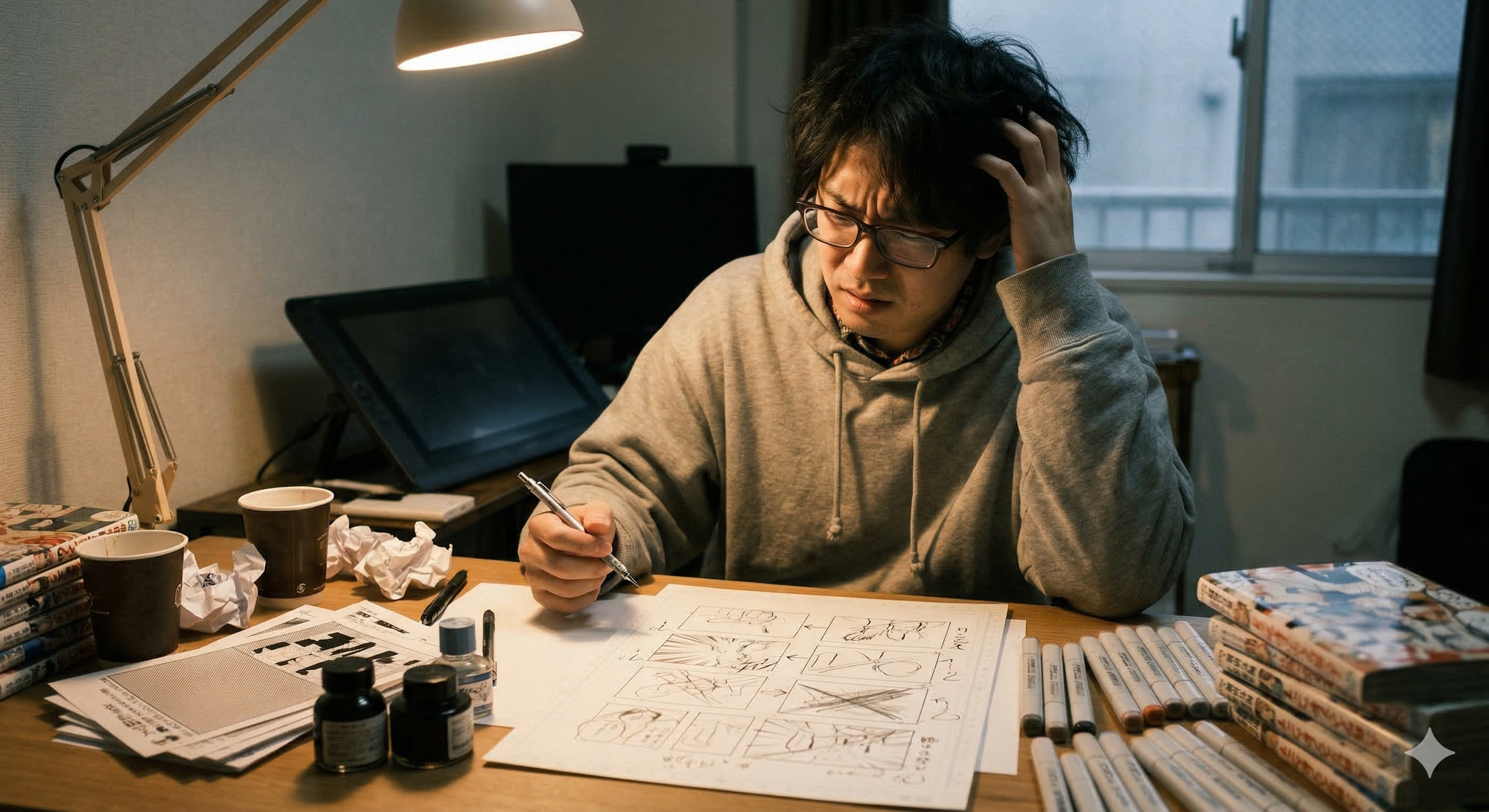
Pacing problems in manga storyboards are almost always fixable before you draw a single final page. The storyboard stage is where you control rhythm, reading speed, and emotional impact. If your pacing feels off, the fix lives here, not in inking or tones.
Table of Contents
- What Is Pacing in Manga
- How to Diagnose a Pacing Problem
- The M2W Pacing Framework
- Panel Count and Flow
- Dialogue Density
- Page Turns and Hooks
- How to Fix Your Storyboard
- FAQ
What Is Pacing in Manga
Pacing is the speed at which a reader moves through your story. It is not just how fast things happen. It is how heavy each moment feels, how much breathing room surrounds key beats, and how urgently the page turn pulls the reader forward.
Good pacing makes readers forget they are reading. Bad pacing makes them feel like they are working. A reader who has to labor through a page will quietly close your manga by page 3. As explored in why readers drop manga at page 2, the drop-off is almost always a pacing failure, not an art quality failure.
- Too fast: Readers miss the emotional weight of key scenes
- Too slow: Readers lose momentum and disengage
- Inconsistent: Readers cannot settle into a reading rhythm
Pacing is the invisible conductor of your manga. Readers feel it before they can name it.
How to Diagnose a Pacing Problem
Before fixing anything, you need to locate the problem. Most creators skip this step and try to fix pacing by adding more action or cutting dialogue, which often makes things worse.
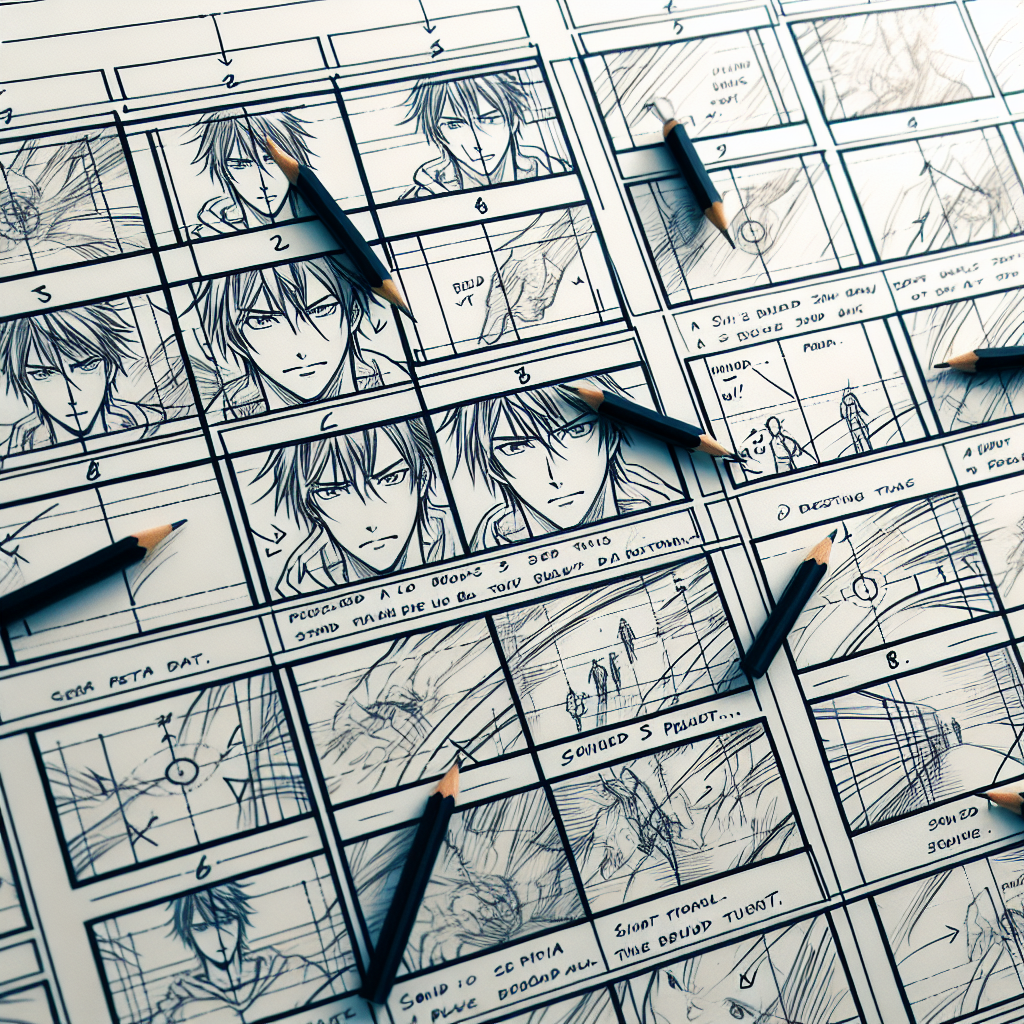
Start by doing a panel scan: read your storyboard thumbnails at arm's length, without reading any words. Ask yourself:
- Where does your eye want to speed up?
- Where does it feel like it has to stop and work?
- Is there visual variety across the page, or does every panel feel the same size and density?
Then do a word count pass: count dialogue bubbles per page. Pages with more than 4 dense bubbles typically read slowly regardless of visual pacing. This is covered in detail in manga dialogue pacing.
Finally, mark every page turn in your storyboard. Ask: does the last panel of each page create any forward pull? If not, that is a hook failure, and readers have no reason to turn the page.
The M2W Pacing Framework
At M2W.ai, we analyze storyboards across four dimensions to give creators a precise pacing diagnosis:
- テンポスコア (Tempo Score): The overall reading speed across a page spread. Measured by panel count, panel size ratio, and white space distribution.
- 視線誘導スコア (Eye-Flow Score): How smoothly the eye travels through the page without backtracking. Poor visual hierarchy tanks this score even with otherwise good art.
- セリフ量スコア (Dialogue Density Score): The ratio of text to visual space. High scores signal scenes that will feel slow to readers regardless of the action depicted.
- 引きスコア (Hook Score): The strength of page-turn incentive at each page's final panel. This is one of the most predictive scores for reader retention.
When manga editors review submissions, they are often responding to low scores in one or more of these dimensions. Reading what manga editors look for makes clear how quickly these scores correlate to rejection or acceptance feedback.
A manga that scores well on all four dimensions reads smoothly even before the art is polished. Storyboard is where these scores are set.
Panel Count and Flow
Panel count is one of the most concrete levers you have at the storyboard stage. As detailed in manga panels per page, most professional manga pages fall between 4 and 7 panels for standard pacing, with fewer for slow emotional scenes and more for rapid-fire action.
Signs Your Panel Count Is Working Against You
- Every page has 7 or more equal-sized panels: the page feels like a grid, not a story
- A critical emotional beat is given the same panel size as a transitional beat
- Action sequences use large panels when smaller, faster panels would convey movement better
- Quiet, dialogue-heavy scenes use small panels that force the reader to slow down even more
The fix at storyboard stage is simple: resize before you redraw. Sketch the same page again with different panel proportions. Give your most important moment the biggest panel. Let transitional beats shrink. See if the page breathes differently.
Visual Flow Between Panels
Eye flow is determined by where your characters are positioned, where they are looking, and what action completes across panel borders. If a character looks right in panel 2 but the next panel is positioned to the left, the reader's eye has to backtrack. That costs momentum.
At the storyboard stage, draw small arrows indicating where your eye should travel. If any arrow points against the reading direction, adjust the character positioning or panel order before committing to final pages.
Dialogue Density
Dialogue kills pacing when it is doing too much work. Manga dialogue should do one of three things per bubble: reveal character, advance the situation, or create tension. If a bubble is doing none of these, cut it.
A practical storyboard test: cover all your speech bubbles with a sticky note. Does the visual story still make sense? If yes, most of that dialogue is redundant and slowing your pace. If no, ask whether you can replace some dialogue with a visual beat instead.
- Exposition dumps: Split into shorter exchanges or replace with a visual montage
- Repeated information: Trust your reader. Show it once.
- Thinking captions over action: Let the action speak. Remove the internal monologue that describes what is already shown.
Page Turns and Hooks
In print manga, the most powerful moment in any spread is the last panel before the page turn. This is the panel that either keeps readers going or lets them stop. If that panel resolves tension, the reader has no reason to continue. If it creates or escalates tension, they cannot stop.
Types of Effective Page-Turn Hooks
- Question hook: The final panel raises a question that the next page will answer
- Cliffhanger: Action or decision is frozen mid-moment
- Reversal setup: A hint that something the reader assumed is about to change
- Emotional peak: A character's face at the height of an emotion, before the reaction
At storyboard stage, go through every page-turn moment and label it. If it is labeled "resolution," restructure that page so the resolution happens in an earlier panel and the final panel teases what comes next.
How to Fix Your Storyboard
Fixing pacing is not about adding pages. It is about redistributing emphasis. Here is a practical workflow:
- Print your storyboard thumbnails at small scale, one page per sheet. Lay them all out on a table.
- Circle every page that feels heavy: too many panels, too much dialogue, no visual variety.
- Star every page turn: are the final panels hooks or resolutions?
- Identify your scene rhythm: is there variety between fast and slow pages, or is every page the same pace?
- Redraw the problem pages with different panel ratios, not different art. Just the skeleton.
- Cut dialogue to minimum: aim for 50 characters or fewer per bubble in action scenes.
- Run M2W analysis on your revised storyboard to get objective テンポスコア, 視線誘導スコア, セリフ量スコア, and 引きスコア before committing to finals.
The storyboard is the last moment where change is cheap. Everything you fix here saves ten times the work in finals.
FAQ
How do I know if my manga pacing is actually a problem?
Show your storyboard to someone who reads manga casually and watch where they slow down or re-read. If they hesitate or go back on any page, that page has a pacing issue. Alternatively, use M2W.ai to get a テンポスコア and see exactly where the friction is.
How many panels per page is ideal for pacing?
Most professional manga pages use 4 to 7 panels depending on scene type. Action scenes benefit from 6 to 8 smaller panels to convey speed, while emotional beats often use 2 to 4 larger panels for impact. The key is variety across pages, not a fixed number.
Can I fix pacing without redrawing everything?
Yes. At the storyboard stage you can fix most pacing problems by adjusting panel sizes, moving dialogue between panels, or reordering beats within a page. You almost never need to add new scenes. The fix is almost always redistribution.
Why does my manga feel slow even though a lot happens?
This usually means high セリフ量 and low 視線誘導. When panels are text-heavy or the visual flow forces the eye to stop and parse information, the pace feels slow even if the story events are rapid. Cut dialogue and simplify panel compositions first.
Should I fix pacing before or after finalizing character designs?
Always fix pacing at storyboard stage, before finalizing anything. Character design decisions have almost zero impact on pacing. Panel structure, dialogue density, and page-turn hooks are all storyboard-level decisions that are cheapest to fix when your pages are still rough thumbnails.
Ready to get an objective pacing score on your storyboard? Try M2W.ai and get your テンポスコア, 視線誘導スコア, セリフ量スコア, and 引きスコア in minutes.